AI coding: turn a generated change into a release you can check
Use a tiny search feature to practice acceptance examples, behavior checks, file review and a reversible release. A practical workflow for checking AI-generated changes before shipping.

Start with a change you can describe
An AI coding session becomes easier to judge when it has one visible outcome. “Improve this app” leaves the finish line open; “an empty search shows a helpful message without changing results for other queries” gives you something to inspect. The workflow below is our own suggested practice, rather than a vendor guarantee.
GitHub says generated code still needs review and testing. Its Copilot application card ↗ explains the limitations. Anthropic describes repeated checks and fixes in its verification-loop article ↗. These are useful starting points for designing your own delivery process.
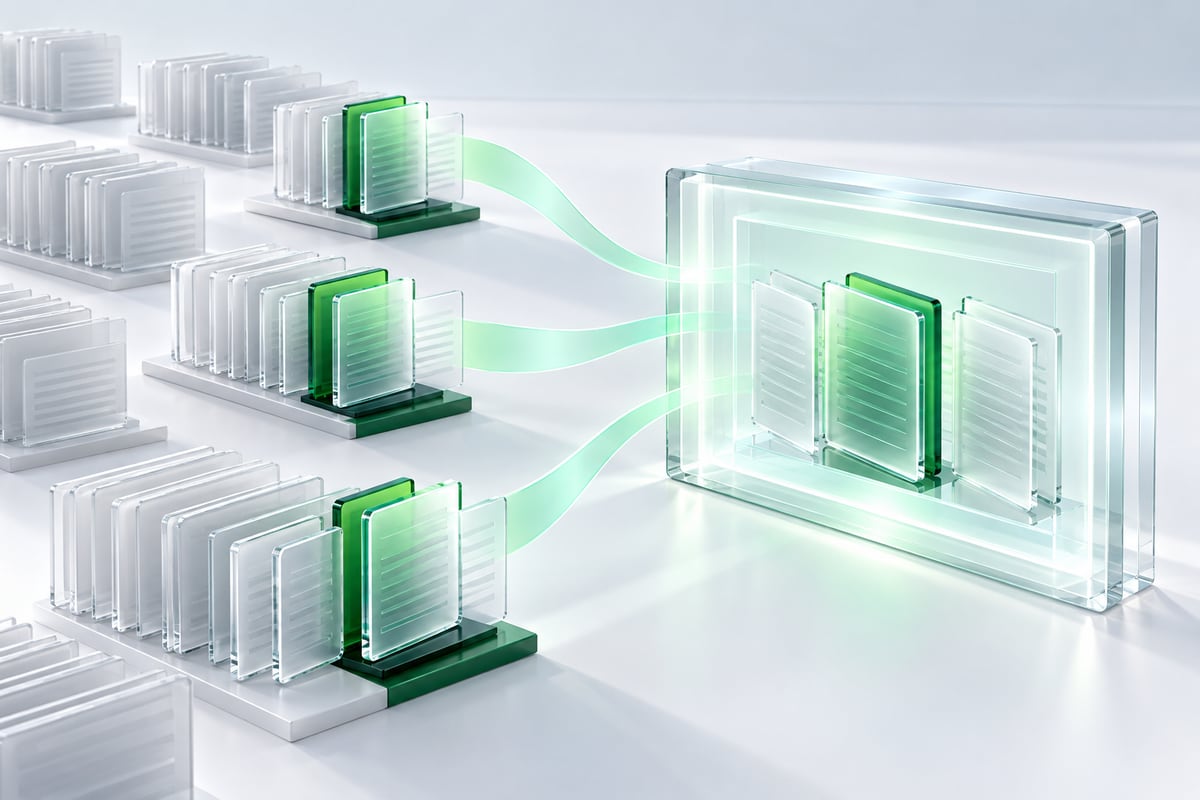
Write the acceptance note before generating
For a small search feature, record three conditions: an empty query shows all items, a query matches titles regardless of letter case, and a query with no match shows an explicit empty state. Add one example for each. Also record what should remain stable, such as the selected language and the link to an article.
Give the assistant the relevant files, the existing project commands and these examples. Ask it to explain where it expects to make changes before editing. You now have a short specification to compare with the result, and a reason to question unrelated changes.
Check behavior, then inspect the difference
First run the checks the project already uses. Choose one focused behavioral check for the feature; a screenshot alone cannot prove that filtering works. In this exercise, try two differently capitalized queries and one impossible query. Test the page at a narrow width if the interface changed.
Then read the actual file differences. Look for deleted validation, swallowed errors, new dependencies and changes to shared components. Ask what each extra file contributes. Passing checks are evidence about the cases they cover; they do not settle every question about the feature.
If a check fails, provide the concrete input and observed result. Ask for a correction to that issue and rerun the affected check. Keep a small record of the command, result and commit so you can identify which version you verified.
Put a check between two steps
- Define
Input and acceptance criteria
- Produce
One inspectable unit
- Verify
Behavior and evidence
- Decide
Accept or revise
Ship a reversible version
Use a preview deployment and walk through the acceptance examples once more. For this exercise, keep changes to display and filtering so the release does not require a database migration. Save the previous deployed commit and know how to restore it. After release, repeat the same short smoke check against the public URL.
A 30-minute practice session
Choose one minor improvement in a project you already understand. Spend five minutes writing three acceptance examples, fifteen generating and checking, and ten reviewing the changes and preview. These are suggested timeboxes, not a performance claim. Your useful output is a small change accompanied by inspectable evidence, even if the exercise stops before deployment.
Understand it. Then try it.
Read something elseNo sign-in needed. One like per browser, across all languages.
Original references
Use these links to verify details and learn more. A reference does not imply endorsement.
docs.github.comReference 1claude.comReference 2