Neural rendering: write an art-direction checklist before comparing beauty shots
NVIDIA’s recent DLSS 5 developer article shows why rendering comparisons need a fixed scene, a clear visual goal and a review of motion as well as still frames.

Start with the source and its scope
Phillip Singh's NVIDIA developer update ↗, published on September 22, 2026, explains DLSS 5 rendering guided by engine frames and motion vectors. It is a vendor account of a particular graphics pipeline. Our educational question is how to compare an optional visual treatment without confusing stronger contrast with a better result. This article includes no independent performance test.
Imagine a short animation of a ceramic bird on a windowsill. The art brief calls for a quiet morning, a matte surface and a recognizable silhouette. A more dramatic highlight might look impressive but change the intended mood. Write down those three requirements before collecting comparison images.
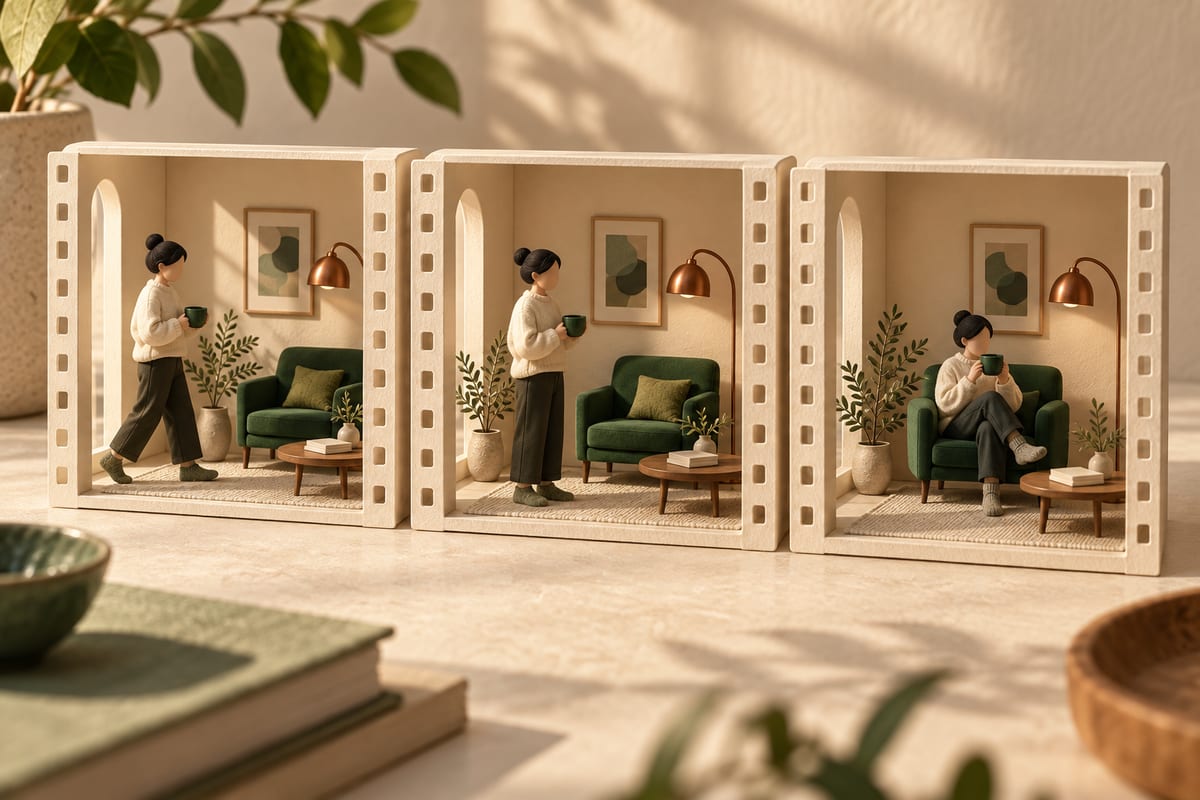
Fix the comparison conditions
Choose one camera path, one animation state and one lighting arrangement. Keep the display size and playback speed stable while comparing a treatment. If you change the camera and exposure at the same time, you can no longer tell which decision explains the difference. A pair of attractive stills is useful only when the comparison answers a specific question.
For our exercise, define three moments: a fixed opening view, a slow camera move and a pause near a thin edge of the bird. Inspect the whole sequence, then return to the same moments. Write the observed issue in plain language, such as a distracting highlight or an edge that becomes hard to follow. Avoid replacing observations with a general claim that one version is more cinematic.
Separate structure from treatment
Henry Lin's earlier NVIDIA explanation ↗, dated September 1, 2026, describes tone and structure controls together with masking. It is supporting context outside our one-month primary-article window. These product details suggest a general review method: identify what must remain, and specify where a visual effect is welcome.
In the bird exercise, outline the silhouette, eye position and decorative markings as protected design choices. The light response on the plain ceramic surface can be an area for exploration. Ask whether a change helps the brief rather than assuming that more detail is always desirable. A mask or slider creates a control surface; it does not make the selection decision for you.
A fair comparison starts before rendering
- Fix the scene
Camera · subject · conditions
- Define the target
Structure · visual treatment
- Review motion
Frames and transitions
Watch movement, including the quiet parts
A still frame can hide a distracting change that appears as the camera moves. Review edges, small patterns and highlights across neighbouring frames. Check the pause as well: a scene can become visually restless even when the story asks for stillness. Use the same viewing conditions for each version and note the moment where an issue appears.
If you are comparing an implemented system, also record the hardware, software version and actual timing measurements. Do not infer responsiveness from a promotional clip or a screenshot. Our paper exercise has no GPU requirement because it evaluates the review plan, not a working integration or vendor performance promise.
Try a review sheet with an ordinary animation
Use a short animation you own, or draw three sequential frames. Make a review sheet with the brief, fixed comparison conditions and three protected features. Create two proposed lighting treatments, then ask another viewer which one better matches the quiet morning and why.
Keep their explanation separate from your preference and from any unmeasured technical claims. The outcome is an art-direction decision that can be inspected: what changed, why it fits the scene, and what still needs a real playback or performance test.
Understand it. Then try it.
Read something elseNo sign-in needed. One like per browser, across all languages.
Original references
Use these links to verify details and learn more. A reference does not imply endorsement.
developer.nvidia.comReference 1www.nvidia.comReference 2