AI short dramas: budget for usable shots, then test the story
A recent Pika studio profile is a starting point for learning how to track retries, inspect continuity and keep a small drama within a real production budget.
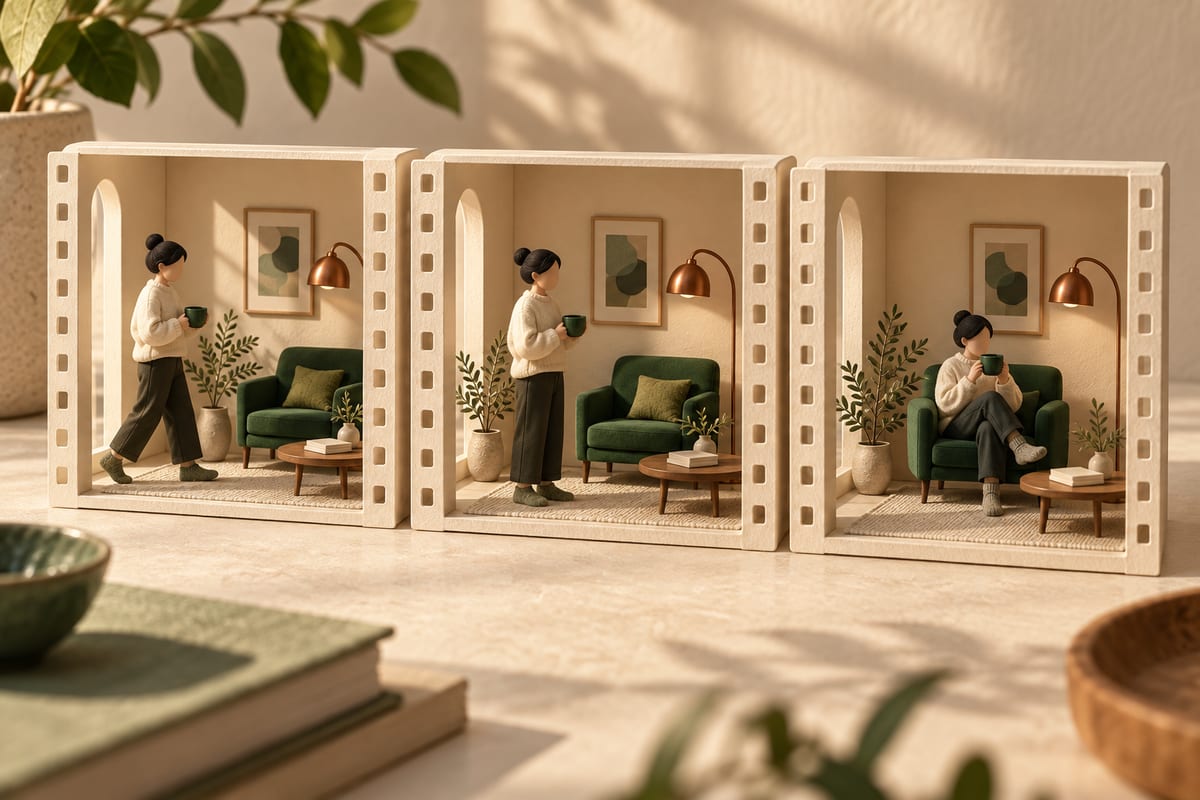
A real studio story, a separate learning exercise
The Pika Team's member profile ↗, published on September 24, 2026, features Vuvie, AI-Bridge and Secret Level producing narrative and commercial media. These are vendor-selected examples. Our learning question is how a beginner can define a usable shot before paying for many attempts. The plan below is our own exercise; it does not reproduce their films or establish what you will earn.
Imagine a twelve-second scene in which a gardener finds a broken watering can, discovers a bucket beside the door, and chooses it instead. The viewer needs to recognize the same person and understand one change of plan. Start by drawing three frames. Write what each frame must communicate, even if the pictures remain rough.

Calculate the cost of the accepted shot
A generation can finish successfully and still be unsuitable for the edit. Track attempted clips, accepted clips and the amount actually billed as separate quantities. A hypothetical ten attempts with two accepted clips means five attempts per accepted clip; that is an arithmetic example, not a measured model success rate.
Give the exercise a spending ceiling before generating. Divide it into a small exploration allowance and a reserve for the shots the story cannot do without. When the ceiling is reached, stop and inspect the failure pattern. If the watering can keeps changing shape, simplify that prop or redraw the input reference before asking for more elaborate camera movement. Record the settings that actually produced each candidate.
Keep the workflow inspectable
The Creative Canvas repository ↗ is a supporting reference, checked on October 11, 2026. Its README describes an unofficial personal desktop project using the Pika API; it is not a Pika-endorsed product. No installation or generation was tested for this article. A node canvas is one possible way to organize steps, while an ordinary folder and shot log are enough for our first exercise.
Keep inputs and outputs under a shot identifier. Put the prompt, model name, date, rejected-take reason and final selection beside the clip. A visual graph is useful only when you can tell which input produced which output. Do not leave the acceptance decision hidden inside a long conversation.
Carry the same state across shots
- Character
Identity · costume · pose
- Props
Appearance · position
- Scene
Space · light · direction
Review continuity and meaning together
For the gardener scene, use three checks: the person remains recognizable, the damaged can appears before the reaction, and the final choice clearly points to the bucket. Review the cut at ordinary playback speed, then inspect suspicious frames. A clip can look convincing on its own while making the sequence confusing.
Ask a viewer to explain the change of plan without reading your script. Their explanation is evidence about whether this tiny story reads clearly, not proof of market demand. If the second shot fails to show the bucket, repair that missing information before adding narration or making the music louder.
Try a rehearsal before purchasing generations
Prepare three sketches and an empty shot log with columns for attempts, billed amount, acceptance and reason. Have another person place the sketches in story order. Then decide which single shot, if any, needs a generated trial. Keep the remaining sketches as placeholders.
Your deliverable is an understandable three-shot sequence and a cost record based on what actually happened. This exercise can end with drawings. The useful habit is to evaluate the story and the accepted output, rather than treating the number of completed generations as progress.
Understand it. Then try it.
Read something elseNo sign-in needed. One like per browser, across all languages.
Original references
Use these links to verify details and learn more. A reference does not imply endorsement.
pika.artReference 1github.comReference 2