AI images: design a coherent series instead of collecting lucky outputs
Build three related visuals around a shared design brief. Separate what stays fixed from what changes, give reference images clear roles, and keep a record you can inspect.
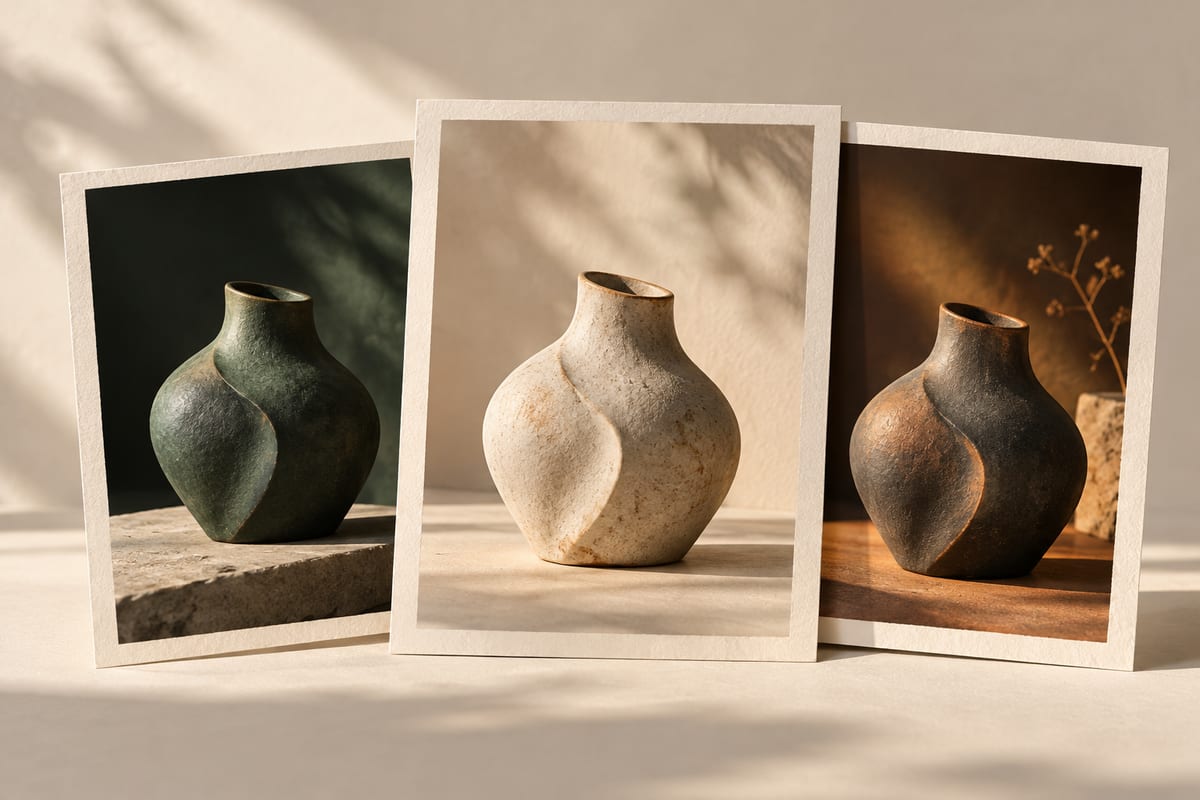
Define the series before the first prompt
Imagine three illustrations for a small reading club: an invitation, a reading reminder and a recap. They need different messages, but should look like the same project. Our suggested exercise starts with a design brief, not a search for one impressive image.
Write down the intended audience, where the image will appear and the space needed for text. Choose a recurring subject, a restrained palette and a consistent lighting direction. Then list the elements that may change, such as the subject's pose or the background detail. This gives you criteria for selecting outputs later.
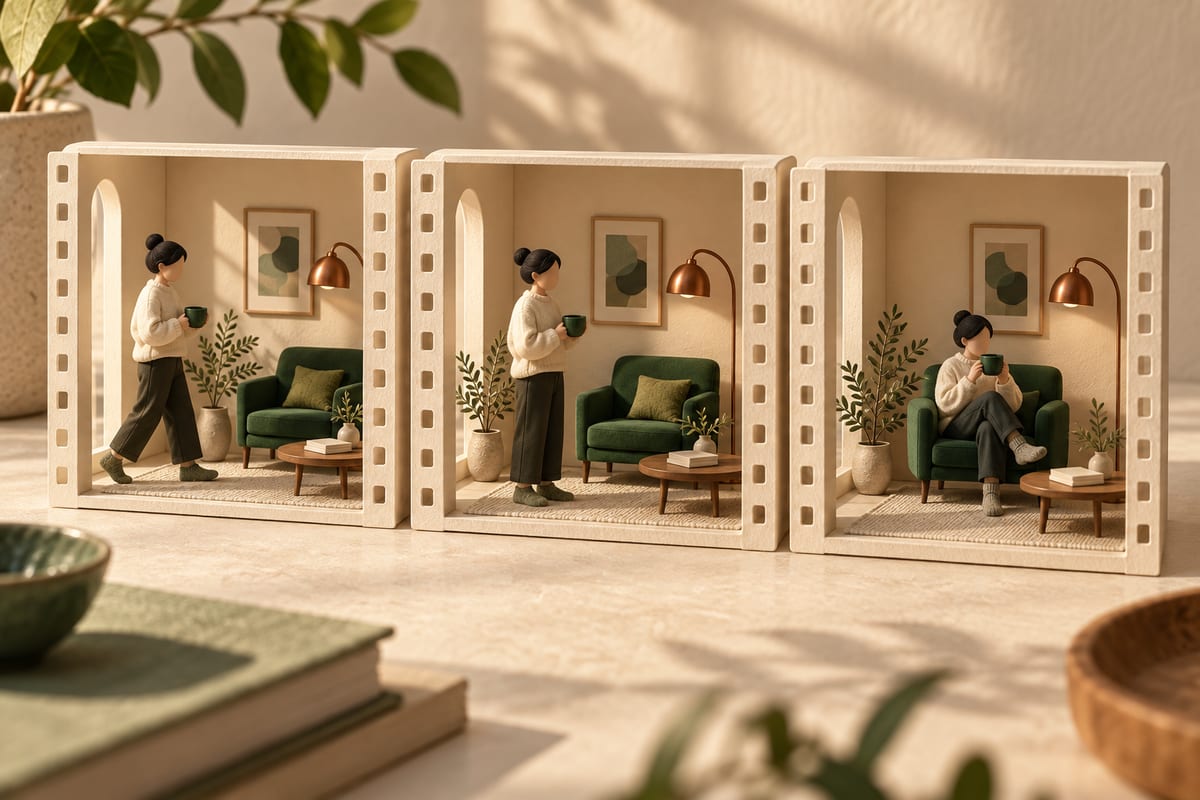
Assign a job to each reference
A subject image, a layout sketch and a style sample solve different problems. Label them separately rather than hoping that the model will infer their roles. The FLUX.2 prompting guide ↗ describes multi-reference editing and recommends explaining how each input should be used. The available inputs and limits depend on the model and interface; check the relevant settings before building a workflow around them.
For our reading-club example, use your own object photo to establish the recurring subject and your own sketch to reserve room for a heading. Describe the palette in the brief. There is no requirement to copy a finished poster, and our invented exercise includes no claim that references guarantee identical outputs.
Iterate one design decision at a time
Generate or sketch a first candidate and compare it with the brief. If the subject is correct but the text area is crowded, revise the composition request before changing the subject and style as well. Keep the accepted candidate beside the next one and note the difference you asked for.
Inspect the series at its intended display size. Check whether the focal point remains readable, the palette holds together and the layout leaves enough usable space. Add important headings in a layout editor so you can control spelling, alignment and accessibility.
Separate what stays from what changes
- Reference
Preserve the original
- Fixed elements
Subject · form · style
- Variation
Light · framing · treatment
Keep the recipe, not just the final file
Save the brief, references, prompt, model version and relevant settings with each selected image. A workflow can make this record easier to organize. ComfyUI's official Luma example ↗ shows a node workflow with image and style inputs and saved outputs. This is one product-specific example, not evidence that every workflow has the same parameters or licensing terms.
A saved recipe helps you explain a revision. It does not guarantee the same pixels after a model, node or service changes. Record those changes if you revisit the project.
A three-image exercise
Prepare one invitation, one reminder and one recap using the same brief. Make a contact sheet and mark each criterion as met, unclear or needs revision. Ask a reader which images belong together and what each one communicates. You can do the first pass with sketches before paying for generation. The useful result is a series you can justify against a brief, with a record of the choices and actual costs if you later generate it.
Understand it. Then try it.
Read something elseNo sign-in needed. One like per browser, across all languages.
Original references
Use these links to verify details and learn more. A reference does not imply endorsement.
docs.bfl.aiReference 1docs.comfy.orgReference 2